Marketing

When website traffic drops, the first suspect is always Google. An algorithm update, a penalty, some mysterious change nobody can explain. Sometimes that is true. More often, the cause sits closer to home: a tracking change, a seasonal dip, a redesign that broke something, or a competitor that simply improved. At Esco Logics, traffic drop investigations are some of the most common requests we get, and blaming Google on day one is the fastest way to miss the real problem. A diagnosis in the right order finds the cause in hours instead of weeks. Here is that order, cheapest checks first.
The first step in diagnosing a traffic drop is confirming that visits actually fell, because measurement problems look identical to ranking problems in a chart.
Start in your analytics. Check whether the tracking code still fires on every template, especially after a redesign, a new cookie banner or a tag manager change. A consent popup that blocks tracking for half your visitors produces a convincing fake traffic drop. Then compare sources. If organic search held steady while paid or referral traffic fell, the problem is not SEO at all.
Finally, open Google Search Console and compare clicks and impressions for the same period. If Search Console shows stable clicks while analytics shows a decline, you have a measurement issue, not a visibility issue.
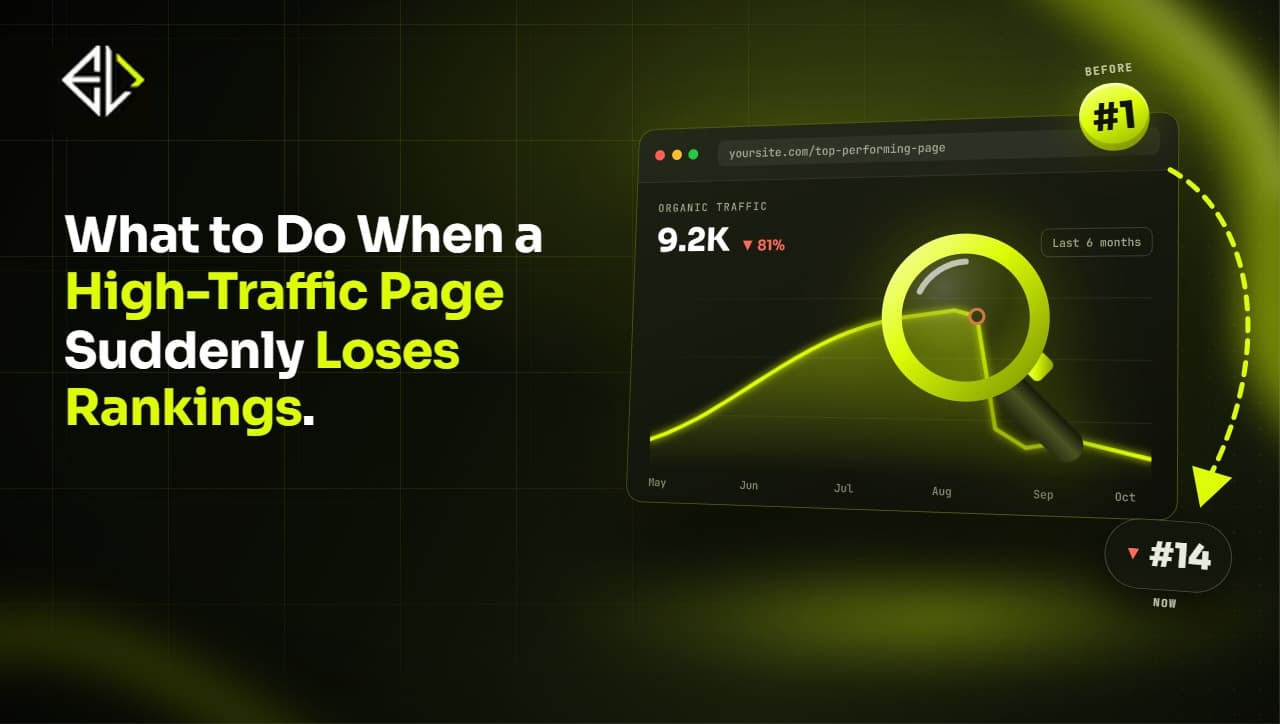
The shape of a traffic drop usually points to its cause. A cliff on a single day suggests a technical event: a release, a migration, a robots.txt change, an expired SSL certificate. A slow decline over months points instead to content decay, growing competition or fading demand. Before doing anything else, write down the exact date the chart bends. Every later check gets easier when you can ask one precise question: what changed on or just before that date?
Compare year over year, not month over month. Many businesses panic over a drop in organic traffic that happens every year at the same time. If last October looks like this October, you are looking at seasonality, not a problem. Demand itself also moves, so check search volume trends for your main keywords before assuming you lost share of them.
A real diagnosis names pages, not feelings. In Search Console, compare the two periods and sort pages by click change. The pattern tells the story.
If a handful of pages lost most of the traffic, open them. Check whether they still resolve, still contain the content that ranked and still have a correct canonical tag. One of the most common findings in our audits is a high-traffic page that loses rankings after a quiet edit nobody connected to SEO.
If losses spread evenly across the site, look at site-wide causes: a template change, slower hosting, lost backlinks from an authoritative domain, or an indexing problem. Check the Pages report in Search Console for a spike in excluded URLs.
Also look at branded versus non-branded queries. If searches for your own name dropped, the cause is usually demand or reputation, not rankings.
Technical problems cause more traffic drops than most teams expect, and they are the most fixable. None of them are glamorous. A stray no-index tag carried over from staging, a robots.txt line nobody remembers writing, a redirect chain built up across three migrations. Each one can erase months of rankings, and each one can usually be fixed in a day.
Work through a short checklist. Check that no-index tags did not slip onto key templates during a deployment. Inspect your top pages with the URL Inspection tool to confirm they are indexed and render correctly. Review redirects if you migrated anything, because chains and wrong destinations leak ranking signals. Then test speed, since a heavy new script can push Core Web Vitals into the red.
After redesigns and migrations, this step comes first, not last. Most of the post-launch drops we investigate trace back to a technical detail that shipped with the new site.
Once tracking, seasonality, pages and technical health are ruled out, check the algorithm. Look up the dates of confirmed updates and see whether your decline aligns. Google's own guide to debugging drops in Search traffic shows the typical patterns for updates, manual actions and seasonality, and Search Console will tell you directly if a manual action exists.
Also check what the results page itself now looks like for your main queries. AI Overviews, featured snippets and more ads can reduce clicks even when rankings hold. If impressions are stable but clicks fell, you may be losing clicks to the layout, not positions. Our breakdown of why Google rankings drop covers the update-related causes in more detail.
If an update did hit you, the response is content and trust work, not quick fixes. That is a strategy decision, and it deserves accurate diagnosis behind it.
Three habits turn a week of guessing into an afternoon of diagnosis: a before-and-after query export, an incognito competitor check and alerts that catch the next drop early.
In Search Console, compare the 28 days before the bend date with the 28 days after, export the queries and sort by click change. If the losses concentrate in a handful of queries, open the pages that ranked for them; something on those pages changed, or someone outranked them. If the losses spread thin across hundreds of queries, stop looking at individual pages and hunt for a site-wide cause.
Take the five queries with the biggest losses and search them in an incognito window. Note who holds your old position and what their page offers that yours does not: fresher data, a better format, a tighter match to what the searcher wanted. Half the time, the answer to "what happened" is sitting right there on page one.
Most drops are found weeks late, which destroys the evidence trail. Set up custom alerts for organic sessions in GA4, keep Search Console email notifications switched on and put a five-minute weekly review of clicks by page in someone's calendar. A drop caught within three days gets diagnosed against a short list of recent changes instead of a month of guesses.
A traffic drop investigation should end with a priority list, not a shrug. Rank the affected pages by the leads and revenue they used to produce, fix the highest-value pages first and set up alerts so the next drop is caught in days rather than weeks. And keep a change log for the website, even if it is just a shared doc with dates in it. The fastest diagnosis is matching a traffic chart against a dated list of what changed, and no tool does that better than the habit.
If the chart is falling and the cause is not obvious, a structured audit beats guesswork. The team at Esco Logics runs exactly this diagnosis across analytics, Search Console and the site itself, then fixes what it finds, from technical SEO to content. Get in touch and we will tell you what actually caused the drop before anyone blames the algorithm.
Got any Questions?
Let us know! Reach out and our team will get right back to you.
Technology should be simple, powerful, and future‑ready. That’s what we create at Esco Logics.
Book a Free Consultation